PiStudio: a Raspberry Pi-powered IDE for the Amstrad CPC

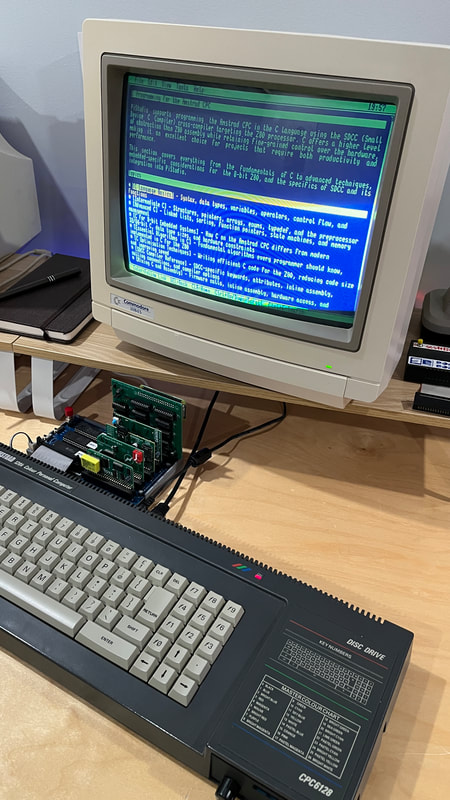
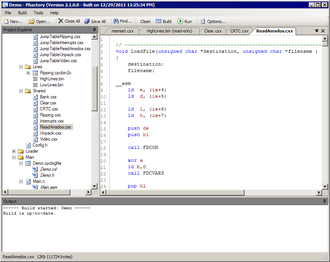
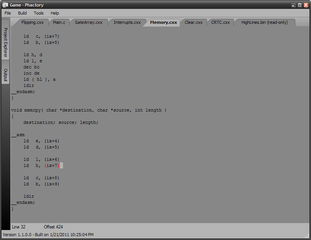
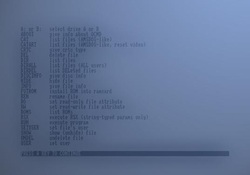
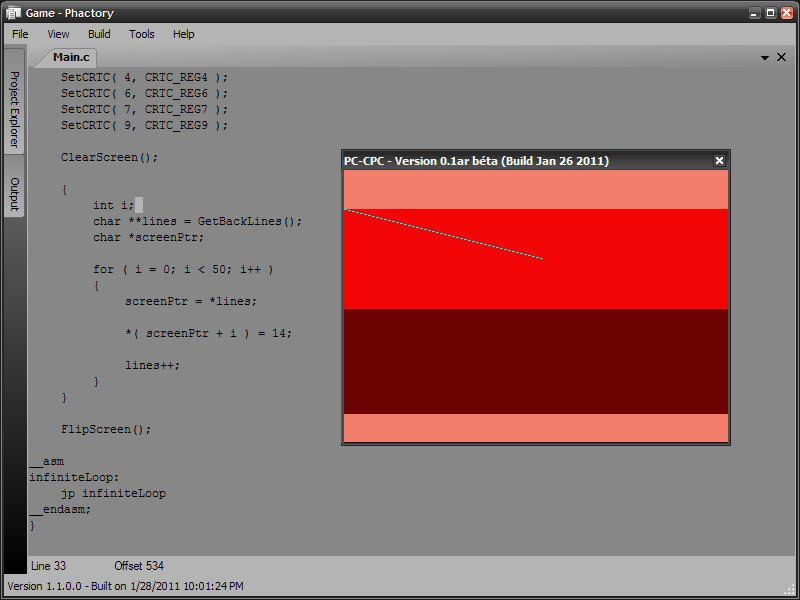
I’ve been working on a personal project for some time now called PiStudio . It’s a new development environment that runs on a Raspberry Pi and connects to an Amstrad CPC through the CPC-CPLINK from Revaldinho . PiStudio transforms the CPC into a development workstation where you can code, compile, debug, manage files, and explore/maintain Git repositories, all directly from the CPC’s keyboard and screen (in a full-overscan 92x32 character resolution). It’s built around a suite of integrated tools that work seamlessly together, featuring a shared clipboard, a unified interface and the ability to open documents across applications. It’s designed to run entirely offline, with certain optional features leveraging network connectivity. At its core, the idea is simple: the Pi quietly handles all the heavy work, while the CPC remains a responsive front-end. The experience feels natural and authentic, you are working on your CPC, just with capabilities that would have felt like science fiction back in 1985! The editor is the heart of PiStudio. It’s a full-featured code editor tailored for development, but equally capable for any text file. Key features: Multiple open documents with tab-like navigation Split-view editing (horizontal or vertical) to compare or edit two files side by side Find & Replace in current file or across the entire project Bookmarks for quick navigation between…
Retrospective 2025

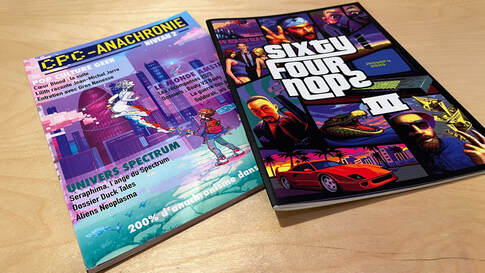
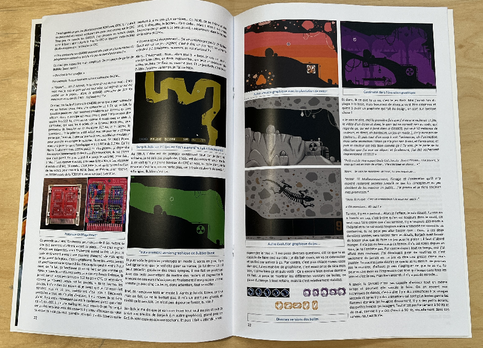
Like every December for the past three years, it has become a small ritual for me to write about what I have been doing with my Amstrad CPC/Plus hobby during the year. I already wrote retrospectives for 2023 and 2024 , so now it’s time to look back at what 2025 brought. :) This year began with the arrival of two magazines. CPC Anachronie #2 and 64 NOPs #3 The first one was CPC Anachronie #2 , written entirely in French. It really stands out because of its excellent printing quality. With over about a hundred pages, it mainly focuses on new games created by the community. It also includes some more general content that is not directly related to the Amstrad, which I think is a great idea. The only part I don’t really connect with is the “Pop Culture” section, because it is a bit far from my personal interests (cosplay, interviews with YouTubers, and so on). Overall, I recommend it: it’s a relaxing magazine to read before going to sleep. The second magazine I received was 64 NOPs #3 , and this one is entirely in English. The team behind it has clearly found its style and rhythm, as it comes out at the same time every year. It feels like much more than a magazine you read once and forget. In a way, like Amstrad Live back in the day, 64 NOPs is becoming a strong technical reference: something programmers can return to later, depending on what they are building. 64 NOPs #4 should…

SONIC GX IS NOW AVAILABLE FOR DOWNLOAD!

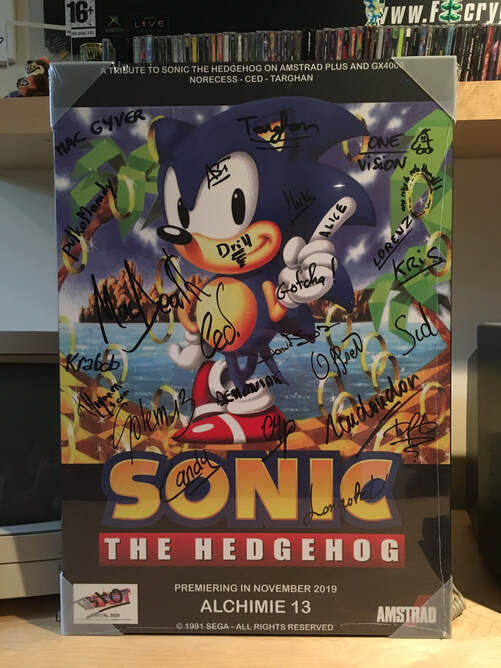
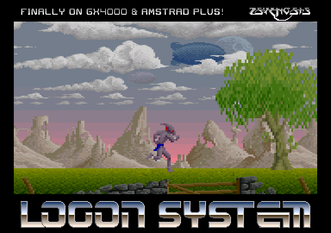
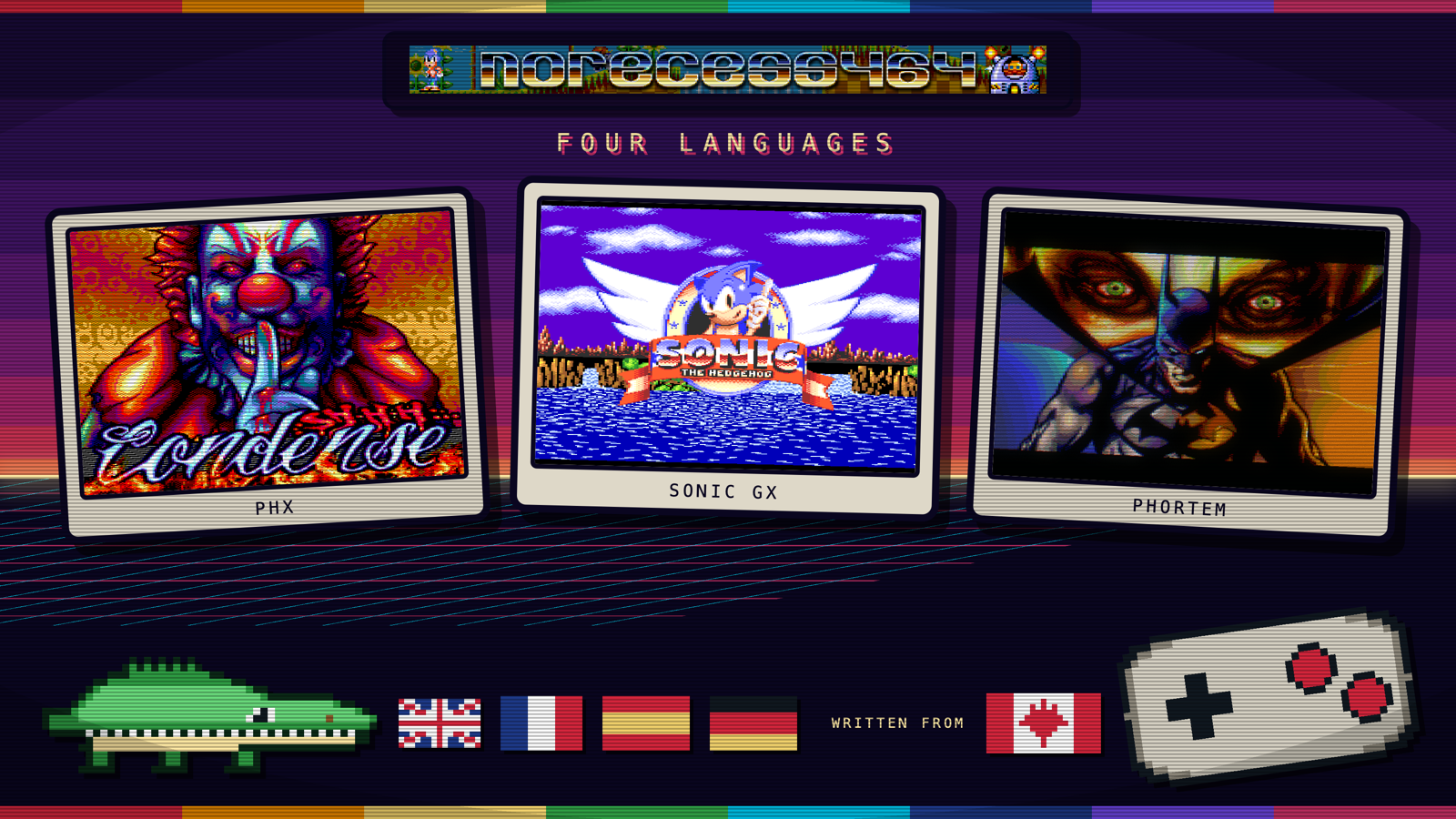
This ambitious project began in 2018, and after seven years of dedication, we’re thrilled to announce that it’s now officially available for download ! We want to extend our heartfelt thanks to everyone who showed interest, support, encouragement, and motivation throughout all these years – your energy truly kept us going strong. CREDITS Code & Level Design : Arnaud “ NoRecess ” Storq Graphics Conversion : Cédric “ CeD ” Quetier Audio Conversion : Julien “ Targhan ” Névo Design & Support : Richard “ TotO ” Gatineau Instruction Manual : “ Slype ” We sincerely hope you’ll enjoy playing SONIC THE HEDGEHOG on the Amstrad console. A little tip: yes, you can beat the game in about 10 minutes if you speedrun it – but to achieve the best scores, you’ll need to find all the Chaos Emeralds, carefully hidden across the levels… Have fun, share the build, and let’s make the GX-4000 shine the way it always deserved to! 👉 CLICK HERE to download the GAME CARTRIDGE, its INSTRUCTION MANUAL and the TECHNICAL PRESENTATION. Everything about Sonic GX in one place How it was made, the manual and the technical presentation page by page, and what was said about it on YouTube. Open its page in Productions

HxC Manager V4.2 released

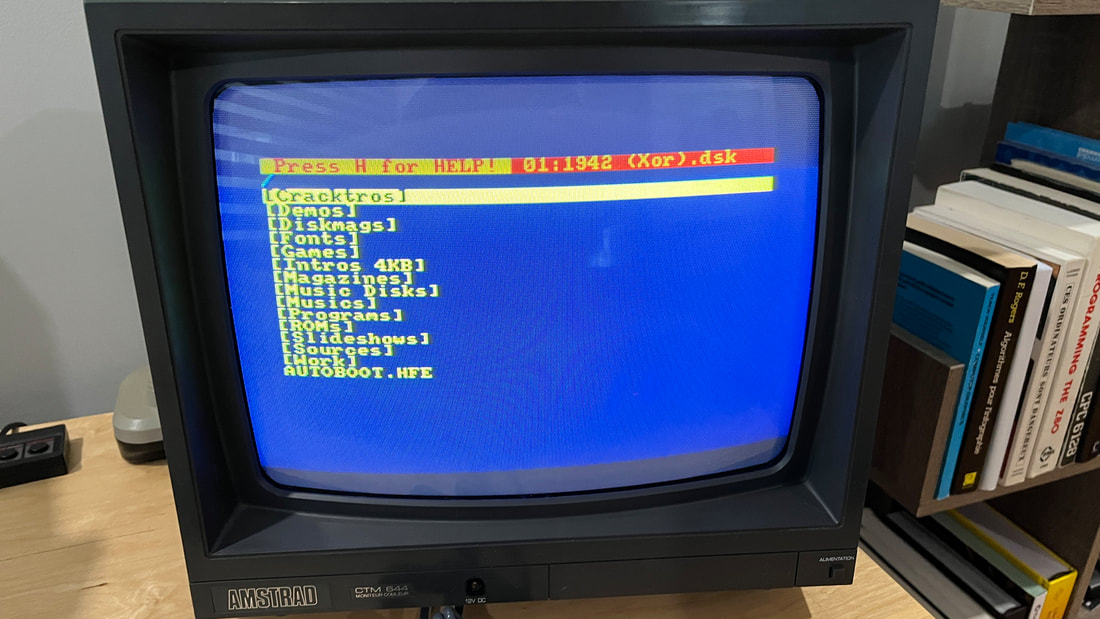
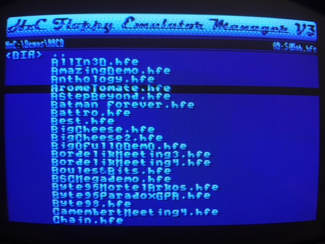
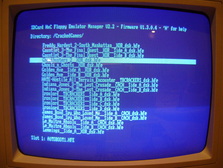
A new version is available. What’s new: CLR key added to move back to root folder while navigating C key added to clear current slot (that was removed since version V3.0 and +) ROM version can be launched with |HXC,0 or |HXC,1 to force physical drive 0 or 1 upgraded from SDCC 4.3 to SDCC 4.4 Download the program here .

Retrospective 2024

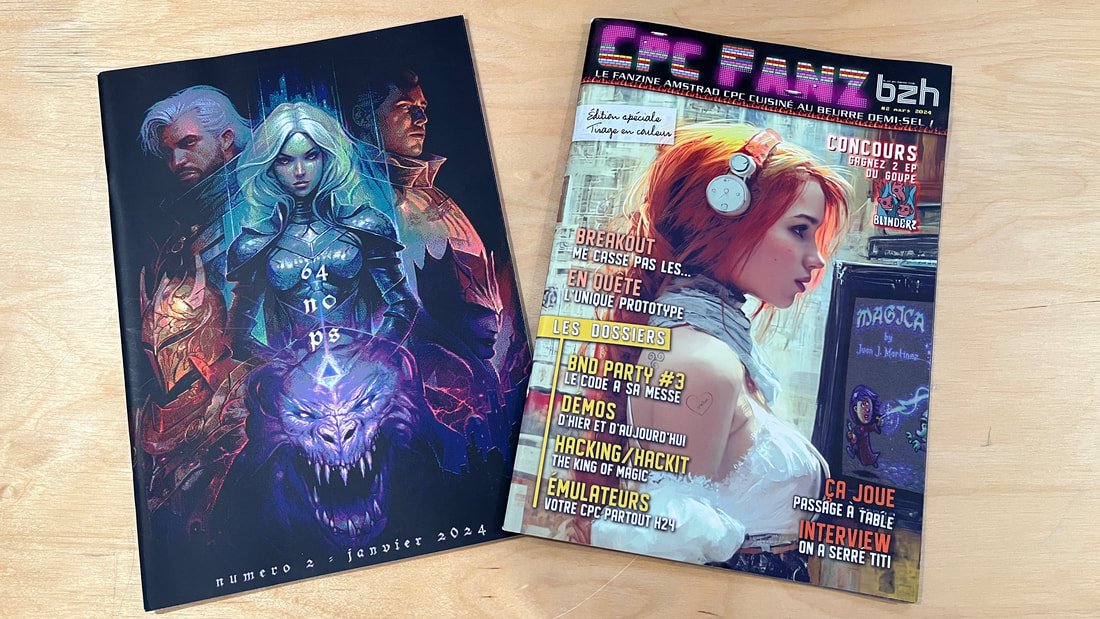
One year has passed since my post called Retrospective 2023 . I really enjoyed writing it (especially after receiving some positive feedback about it), so why not create a follow-up for 2024! This article is not intended to provide a close representation of the progress of the Amstrad community. Instead, it’s an annual overview of my activities around my favorite hobby: the Amstrad CPC/Plus. I’m going to start with literature. This topic has been a serious focus for me for a few years now, and I’m giving an increasing interest on books, magazines, and other publications related to my preferred 8-bit machines. I had a lot of fun this summer isolating myself on my patio to immerse in such readings, or simply as a healthy screen-free activity before bedtime. To begin with, I received some high-quality magazines in my mailbox. The first is the issue #2 of 64 NOPs (January 2024, French content). To me, that issue represents a great step-forward: varied content, mainly for advanced programmers, complemented by satellite articles (interviews and meeting reports). I admit I haven’t “digested” everything yet, but trust me that’s a good thing – 64 NOPs is the kind of publication I enjoy revisiting, especially for its fascinating snippets of source code that grabbed my attention but take a few reads to fully understand. But my favorite discovery of 2024 is CPC FANZ BZH #2 (March 2024,…

A "marathon" interview with Dr JVTek

I sat down with Nicolas “Dr JVTek” PERRET to talk through my career in the video game industry, and I got to cover the hobby side of it as well: programming for the Amstrad CPC and GX-4000 machines. The full interview, in French, on Dr JVTek’s YouTube channel. Watch it on YouTube

Sonic GX for the Amstrad GX-4000: new preview (JULY 2024 UPDATE)

So after all this time, you thought that Sonic GX was vaporware, right ? How wrong you are! :) Many things happened to the game in the last months… First, we rewrote the title screen , this time it’s almost a 1:1 with the SEGA Mega Drive/Genesis version. Of course, it’s fully animated with all the horizontal scrollers, if you had a doubt. Actually, now many elements are highly inspired from the 16-bit version of the original game. Above: the “ zone name ”, the “ scoring ” and the “ game over ” messages are now displayed directly into the game viewport… And below, those are screenshots of the new boss-fights , all of them featuring unique gameplay. Now each zones have their own unique Bonus Stages… Sonic now moves faster and features small/long jumps (as a consequence, the camera moves faster, too). Checkpoints have been added in the middle of the maps to avoid restarting from the beginning when loosing… Many levels were enhanced with better gameplay. Also, many bugfixes were provided, and all the numerous collision issues we had are now gone. Those previewed screenshots/video are probably the last ones before the final release of the game. We don’t want to spoil anything… So the eternal question – when does this game will be available to everyone !?? Well, the answer is simple: this game is a labor of love, we keep adding stuff till we can, and we will continue till we are…

Retrospective 2023

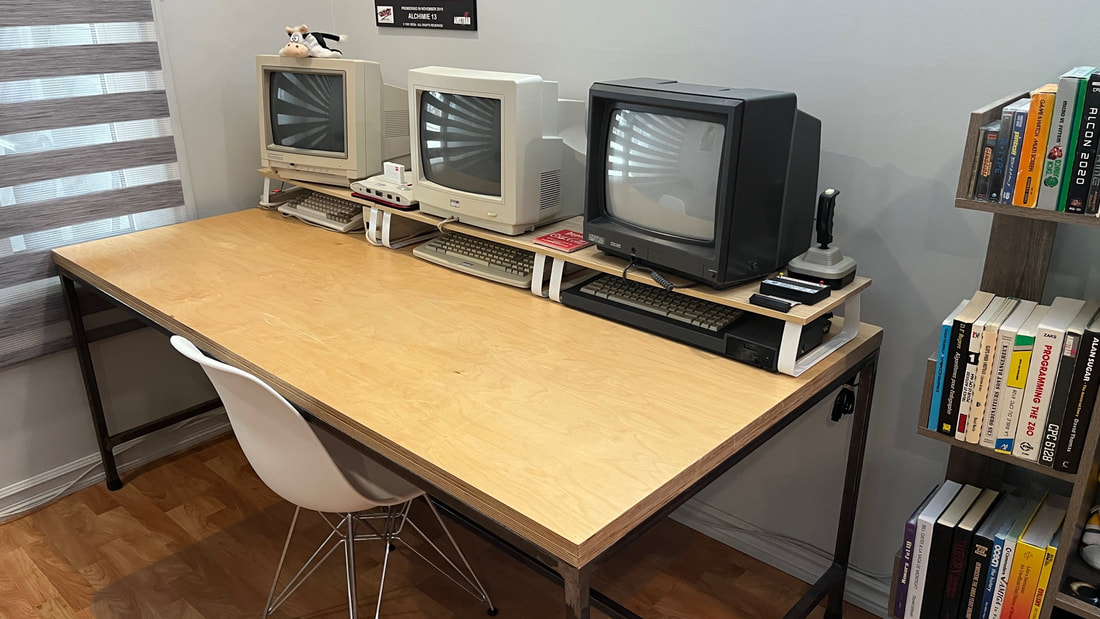
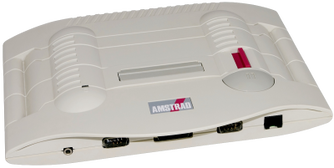
Since it’s mid-December 2023, I think it’s a good time to look back and see what I have done this year. Now that I have moved into my new home and that I’m fully installed, I decided to invest massively into my hobby (for the long term). I’m really fond of the Amstrad CPC machines, it’s not a secret: I grew up with those, as a kid, but also many years later as an adult. And now I want to preserve all of that for the years (decades…) to come. One of the first thing I did, was to invest into a decent physical setup. I already had the desk, but with some reorganization I was able to properly arrange my Amstrad CPC 6128, the Amstrad Plus, the Amstrad GX-4000 and yes, the humble Amiga 600 from Commodore (I will get back to it later in this post). I also invested into some decent shelves for my retro-addiction. I already collected some important software, books and stuff through the years, and I was able to acquire new ones in 2023. All those items matter to me. They made part of my childhood at some point, some are classical references for any Amstrad programmers, and others are just for pure nostalgy. I was able to retrieve the very first book about computers I was in contact with, “Le guide Hachette du Micro-Ordinateur” (1983) for few euros! I was probably 8 years old when I first read it (it’s for kids) and I always kept fond memories about it. A simple look on all of that…

CATRUN v1.2 released

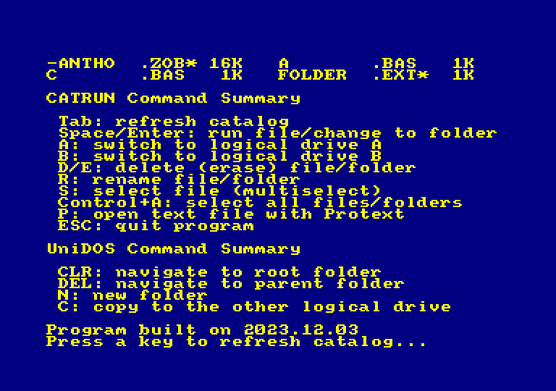
In this new version, on top of the existing features of V1.1: 464 crash-fix + added Shift+TAB/COPY key usage for 464 users use A or B key to switch current drive to A: or B: use P key to open an ASCII file with with Protext use S key for multi-select files. You can combine that with delete operations. I had some fun lately with the great UniDOS. If it gets detected: current path gets displayed on top of all printed catalogues use CLR key to navigate to root folder use DEL key to navigate to parent folder use RETURN/ENTER/COPY to navigate into a sub-folder use N key to create a new folder use C key to copy a file to the other logical drive (can also be combined with S key (multi-selection)) There are also some other minor improvements (build date shown in Help, don’t assume AmsDOS rom is at ROM 7, etc). Click here for the download link ! Thanks to Poulette73 & Offset for the preliminary testing!

HxC Manager V4.1 released

A new version of the program is now available. This is the changelog: crash-fix + new keys for the Amstrad CPC 464 users: Shift+LEFT/RIGHT to select slot, COPY key to assign to current slot upgraded from SDCC 4.2 to SDCC 4.3 (provides slightly better ASM code for faster FAT32 parsing) does not assume anymore that AMSDOS ROM is at ROM 7 Click here for the download link!

I created a new tool called CATRUN for the Amstrad CPC machines

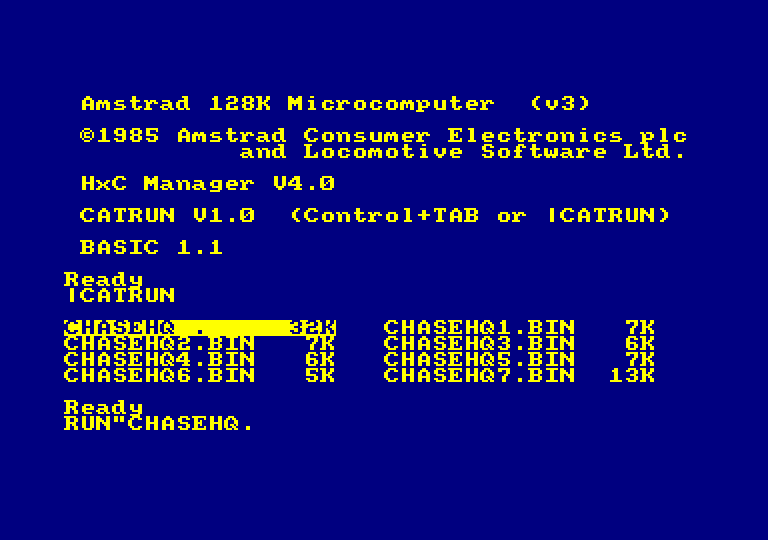
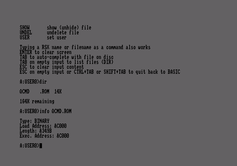
CATRUN in action CATRUN is a simple tool for the Amstrad CPC machines to fasten the process of disc’s content discovery / launch a program. When inserting a new disc into the machine, I bet than 95% of the regular Amstrad CPC users will first type the CAT command to discover its content, then type RUN”FILENAME to launch a targeted program. With CATRUN, the user can press CTRL+TAB at machine startup (or any other time, of course) to show the list of files stored on the disc, then use the arrow keys to select the targeted file to execute, and finally press RETURN to exit back to BASIC prompt and auto-type the RUN command. Few key presses are saved in the process, while enhancing (a little bit !) the launching experience. While selecting a file, It’s also possible to: type ESC key to just get back to BASIC (cf. discard the RUN command) type TAB key to redo a catalogue discovery (cf. when the user is willing to change disc and rebrowse its content) unrelated helper: type R key to rename the selected file unrelated helper: type D or E key to delete the selected file And that’s all :) For more details, please click here to access the dedicated webpage Download: click here This program is useful to me. With some luck it will also be useful to you ! :) Big thanks to TotO, Poulette73 & roudoudou for the testing & discussions. :heart:

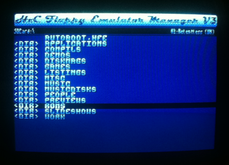
New HxC Manager V4.0 available!

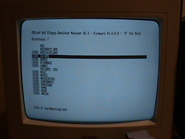
Yep, I’m not kidding – I’m still doing some side maintenance on this good old program :) As a reminder, the HxC Manager V4 is designed to run on Amstrad CPC/Plus computers. Its main purpose is to select disc images to be used by the HxC Floppy Emulator . Please take note this is also compatible with all the Gotek devices. The most noticeable improvements in this version are: User can now edit up to 20 slots (previous version: 15 slots was the max.) New UI , removed the old “demomaker style” presentation, now displaying more files on screen (with longer filenames) DEL key added to move back to parent folder while navigating The manager now skips DSK files when using a HxC SD/Slim device The Help page now reports the firmware version + build date of the Manager Switched compilation to SDCC 4.2.0 (resulting better Z80 implementation) Now compiled using RASM from roudoudou (previous version: Pasmo) Now compressed using ZX0 packer (previous version: the good old Bitbuster) Smaller binary (11KB) resulting a faster load from BASIC prompt (previous version: 16KB) It remains compatible with the 64KB RAM-based machines, and the ROM version is directly available into the AUTOBOOT.HFE file. Please click here to DOWNLOAD , and here for more details about the Manager.