article
The Elder's Scrollers
Making of “Logon’s run - 3D meets the aging bits” (released at Revision 2017) by Overflow / Logon System
Article written and designed by Overflow / Logon System in February 2017 - Published by NoRecess in April 2017. Click HERE for demo on Pouet.
Introduction
Cheating has always been part of demomaking. Smooth animation? think about hardware-scroller: all might be pre-rendered in VRAM, then display on screen is wisely set at each frame by changing pointer to VRAM. I believe I’ve been obsessed with this since the very beginning! Thru the years, I used HW-scrollers in various ways to get some animations which kept improving. Up to today release of “Logon’s run - 3D meets the aging bits”. As a bonus or a making-of: here’s the full story. Much to watch, a few DSKs to download, but not so much to read.
64KB pre-rendered VRAM = 4096 characters = 60 (width) * 68 (height) + 16 | display at screen = 48*34 scrolling windows
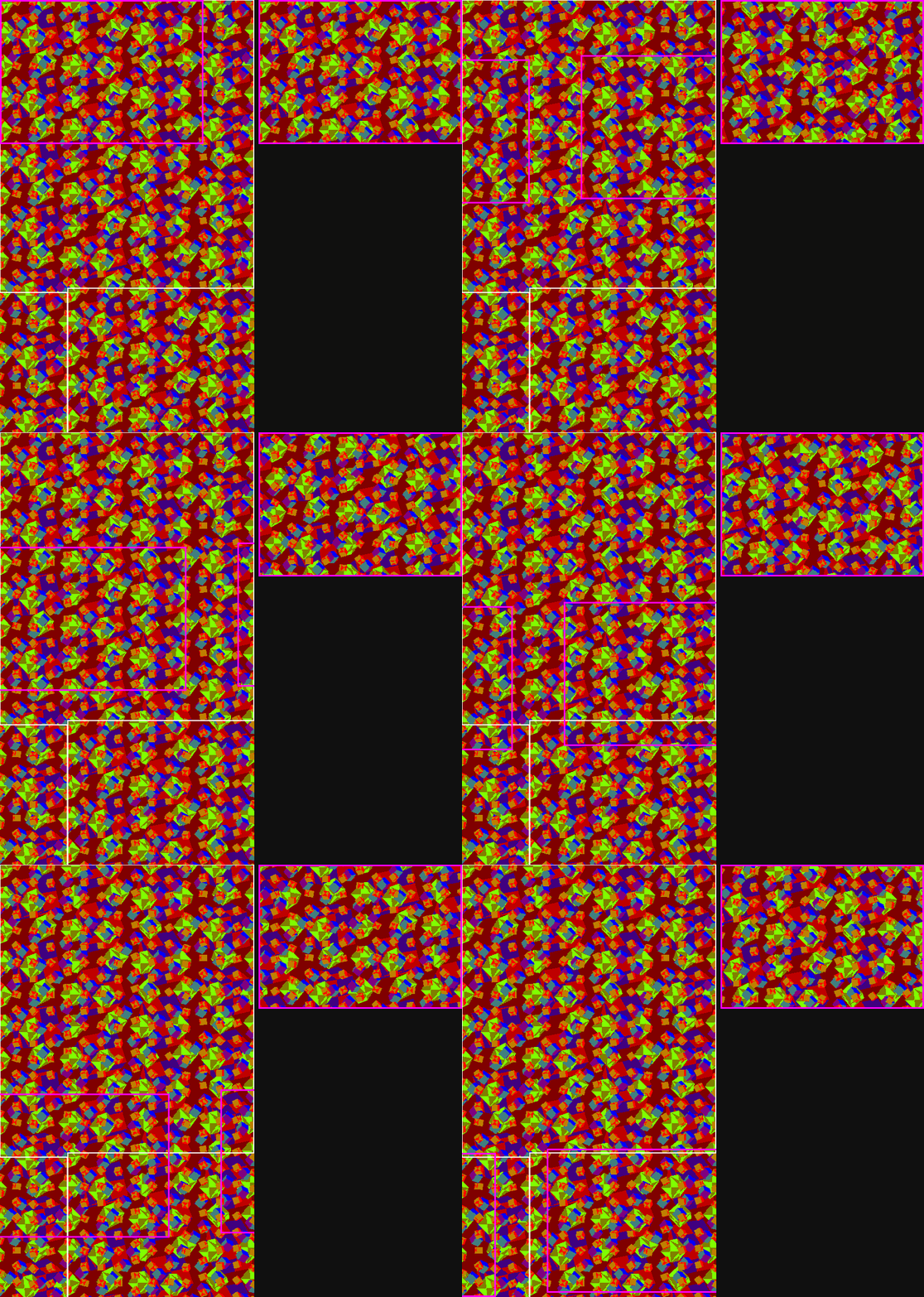
“Gagacubiz” [2014 | release 2017 in “Logon’s run - 3D meets the aging bits”] Pouet!
1991-1992 THE EARLY YEARS
Back in 1991: hiding 12 characters in the border outside the displayed screen.
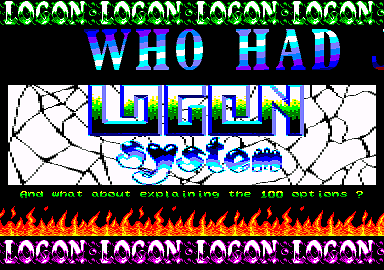
“S&KOH” [1991] Pouet!
4-steps animation | scrolling 4 characters to right

Smooth scroller | 4-flippings + scrolling 1 character to right
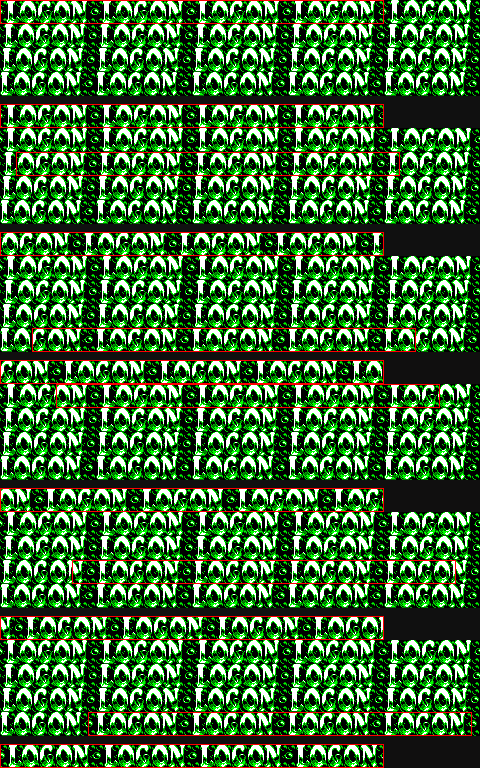
Came an enhancement: character line without length restriction - to hide much more on a single character line. Normally there should not be more than 64 characters on a single scanline. By splitting the screen on each character line: the restriction’s gone.
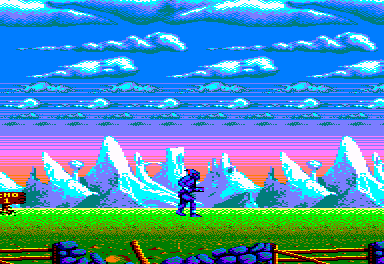
“Shadow of the Beast - demo menu” [1992 | preview 1994] Pouet!
Smooth scroller | scrolling N characters to right + 1-pixel shifting

Cheating again: slowly rendering some screen-data in basic then saving 16KB VRAM; later: loading it and perform HW-scroll.
16KB pre-rendered VRAM = 900 characters | scrolling N characters to right - tile width = ~6c.
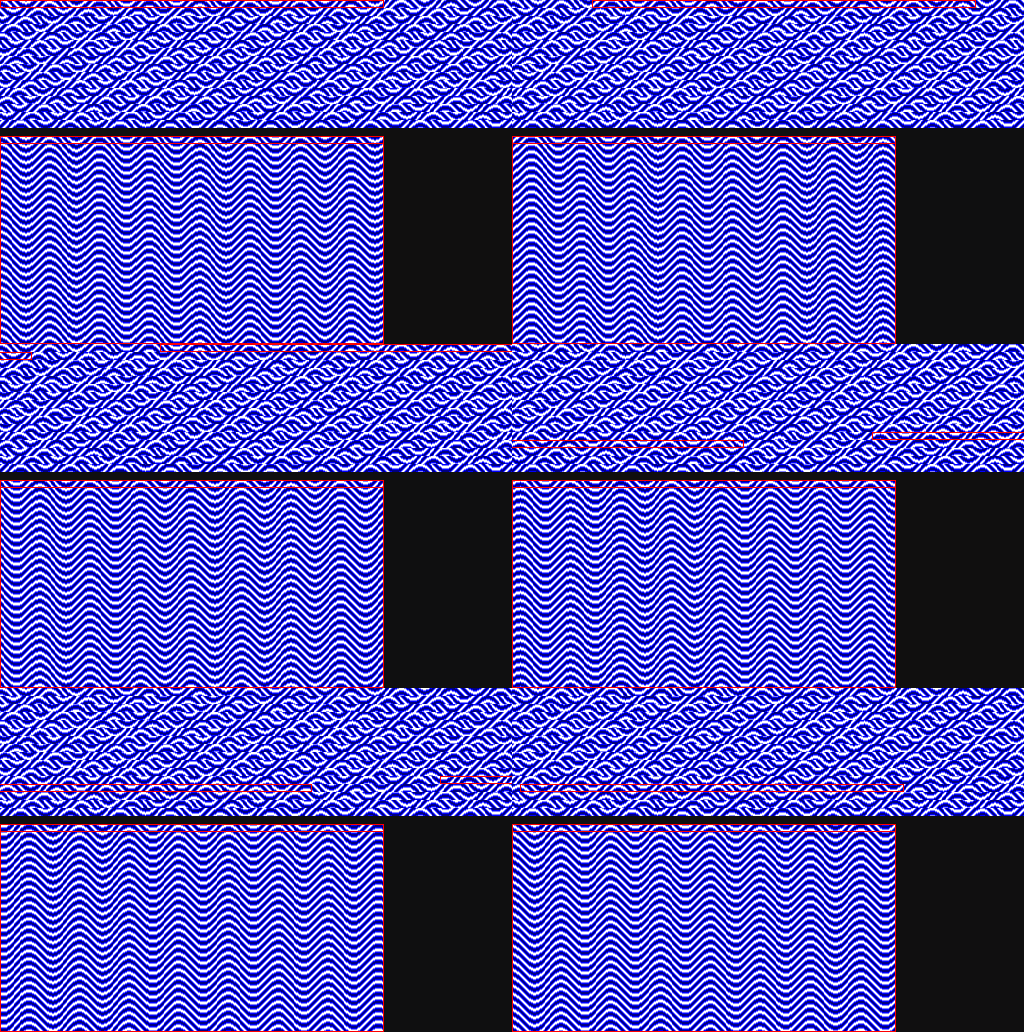
“Waves” [1992 | preview 1994]
2002-2004 DEULIGNES
“Deulignes” means “2 lines of basic”. PhenixInformatique organized several friendly competition about “deulignes” in 2002 2004 and 2008. My way has been: most of the source code to render the screen (likely 15-30min. to render! since basic is so slow), then HW-scroller to loop the animation. Later CPCrulez repacked them: 16KB vram loaded at once. Download at CPC-power.
4KB pre-rendered VRAM | scrolling 2 characters to right
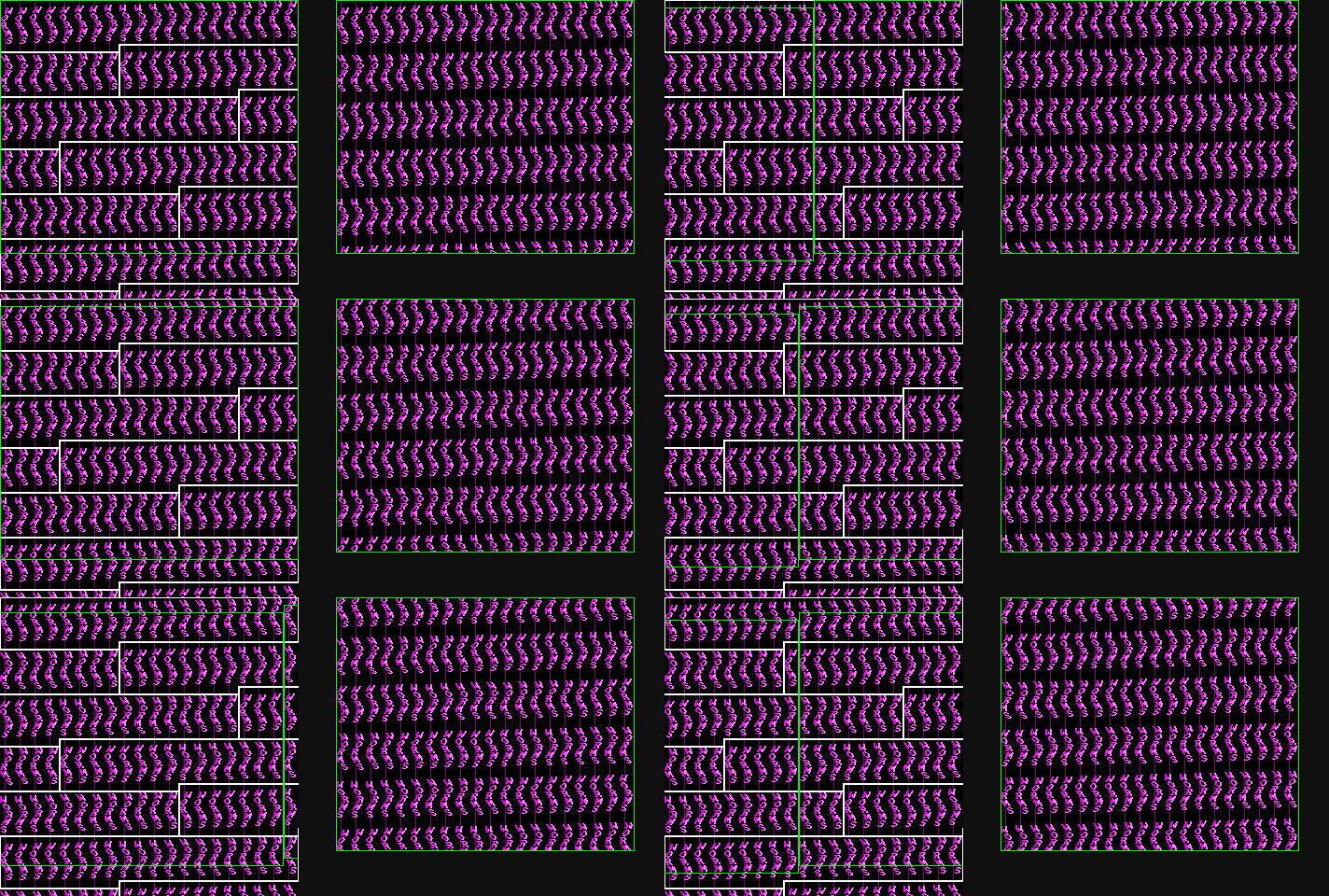
“Worms” [2002 | repack 2010 by cpcrulez]
4KB pre-rendered VRAM | scrolling 4 characters to right
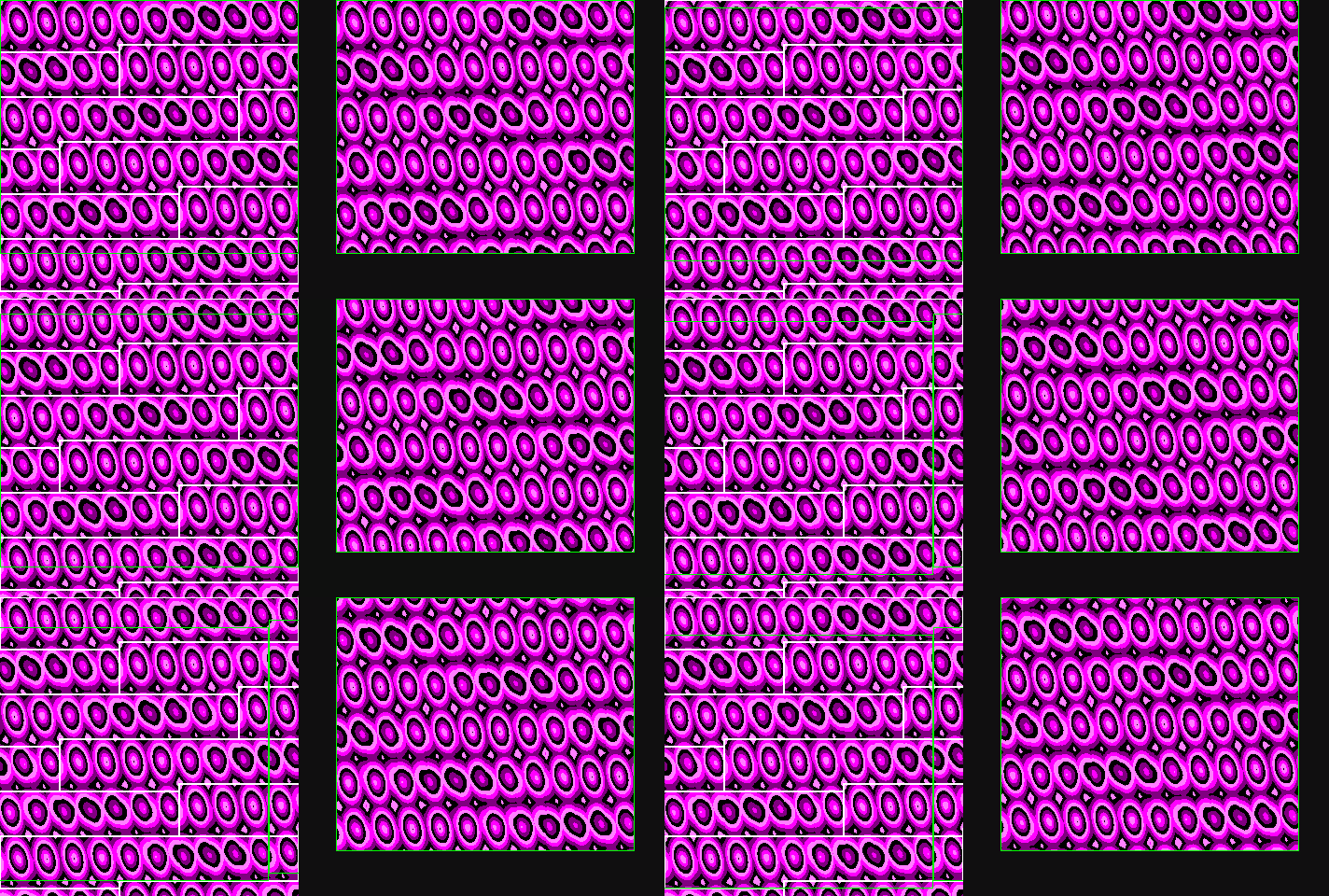
“Plasmegg” [2002 | repack 2010 by cpcrulez]
16KB pre-rendered VRAM = 1024 characters = 40 (width) * 25 (height) +24 | scrolling 2 characters upwards
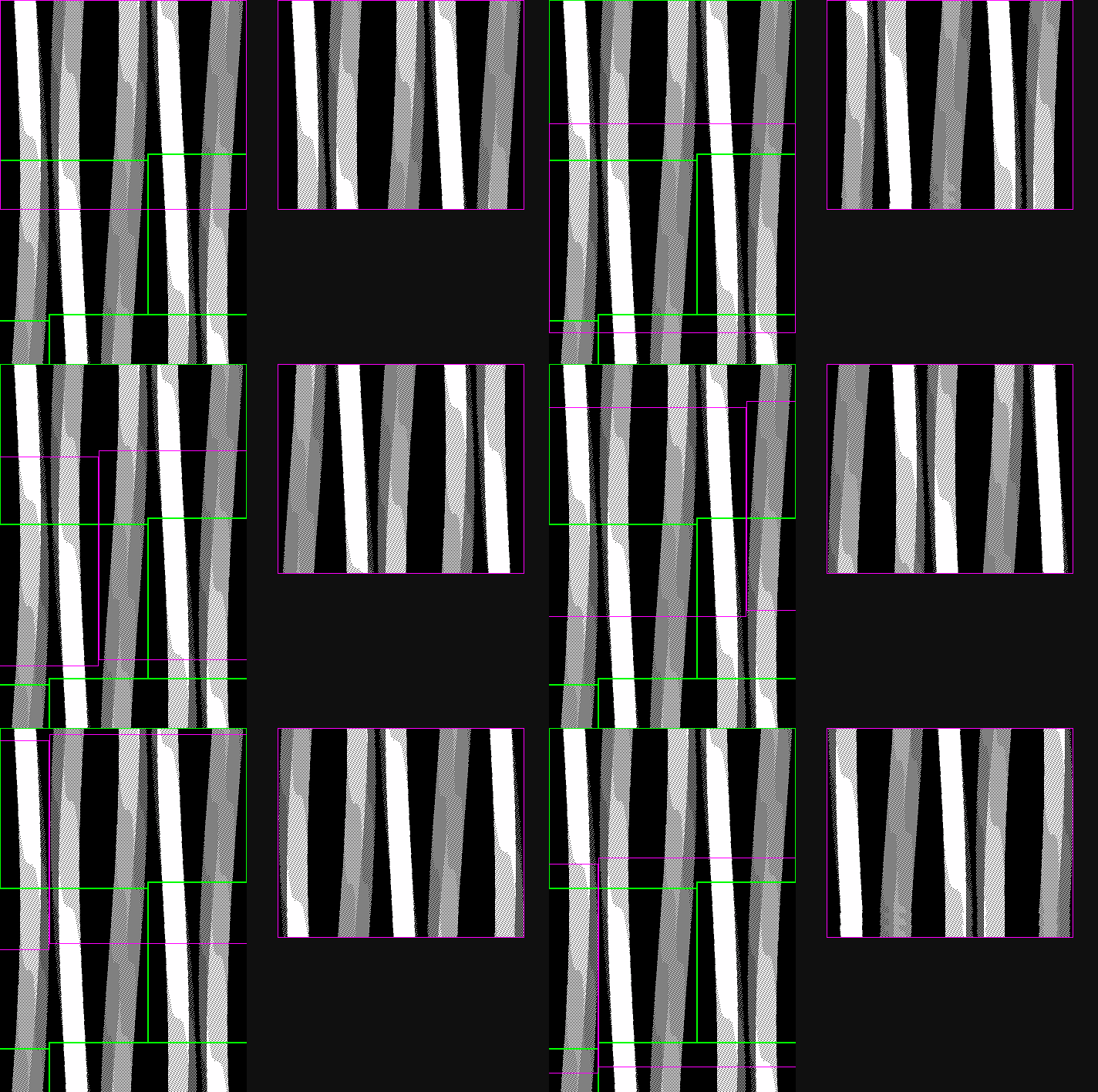
“Barfive” [2004 | repack 2010 by cpcrulez]
2004-2011 THE INNER WORKS
Finally some generic square-tiled-animation!
16KB pre-rendered VRAM = 1024 characters = 64 * tiles | square tile = 4 (width) * 4 (height)
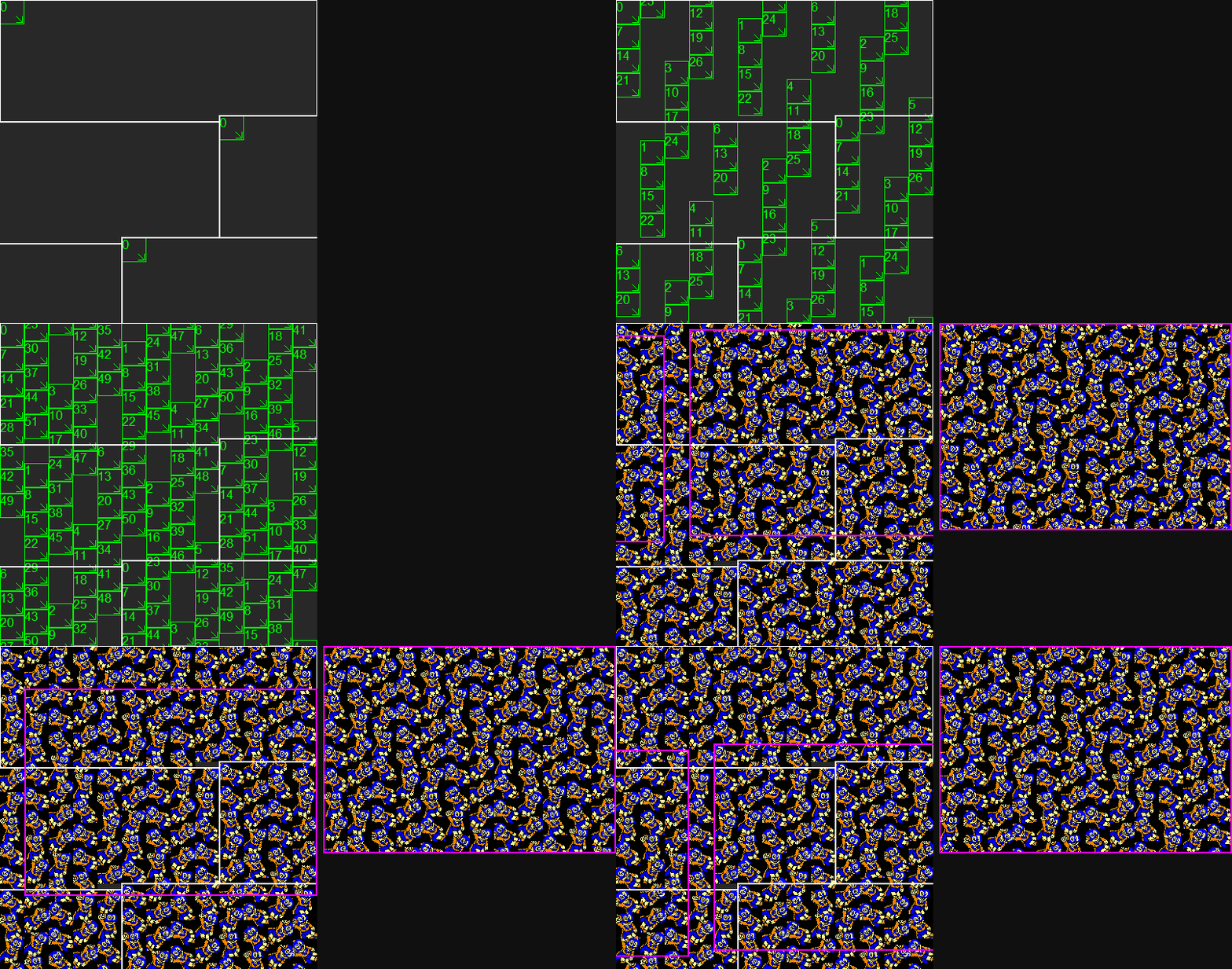
“0%-cpu animation” [2004 unreleased - preview+gfx 2010 by cpcrulez] Download at CPC-power.
Switching from 16KB to 64KB (to multiply # of animation frames by 4) would have been an easy task. But…look at that screen: static square tiles? using some integers only? This made me wonder how this could be improved. I thought about it a few days until I found some principles which struggled me: virtually unlimited number of layers? non-integer-sized tiles with sub-pixel scrolling??? I had to test the idea! This was 2006.
64KB pre-rendered VRAM | 6 layers | ploting and drawing lines only
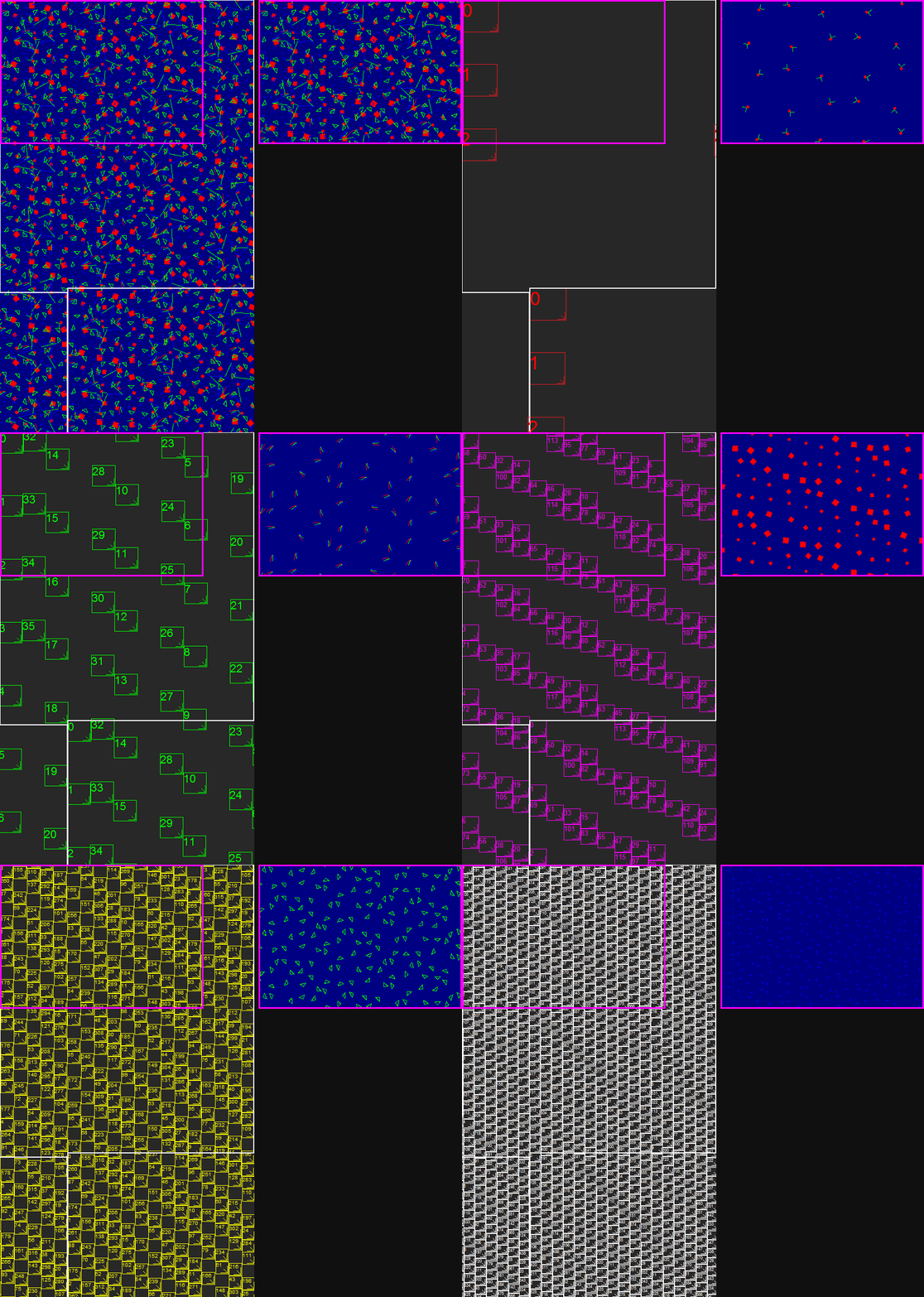
[2006 unreleased - sneaky preview at Croco Chanel party 2007]
Calculations & figures
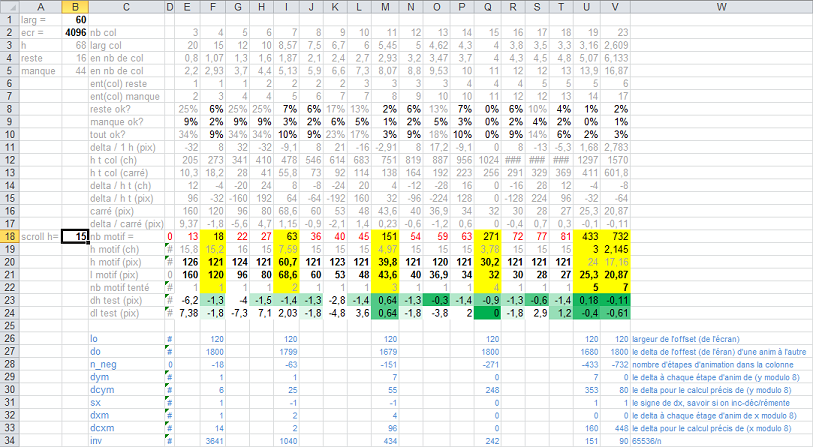
Supplied without any comment (try to figure out what’s going on by yourself!):
This Proof-Of-Concept was nice but definitely not ready for release: main idea was to plot (then: draw a line) in each frame from a animation layer. This was so slow… Improvement I thought about was: draw a filled-shape at once. So did I code.
64KB pre-rendered VRAM | 4 layers | drawing a filled shape
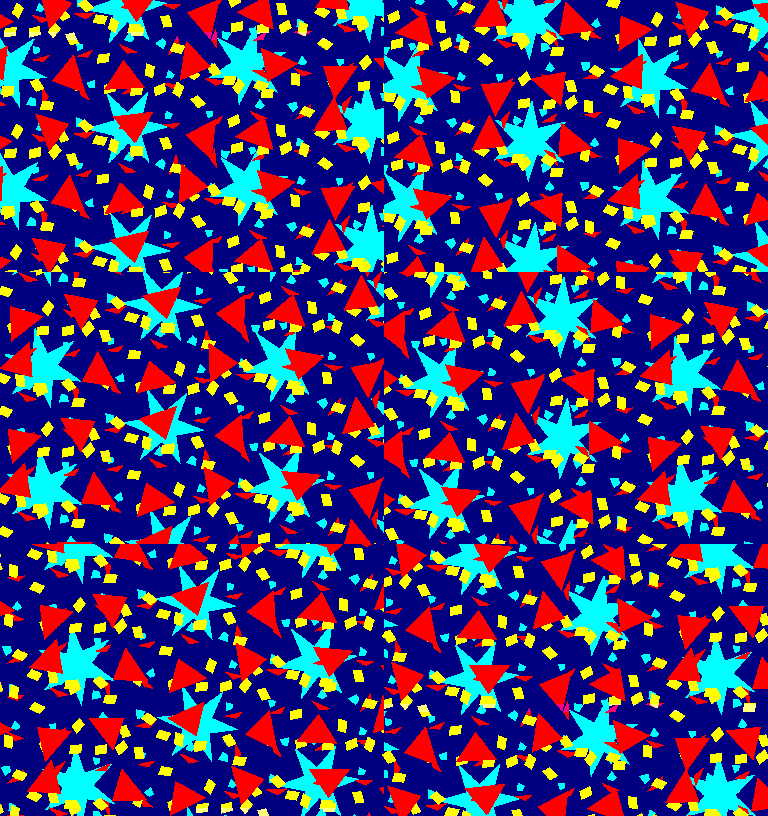
[2008 unreleased]
Quite a disappointment again! It seemed that 3D was the only way to get some nice feeling of layers. It seemed also that dithering was another requirement to cheat about 4-colors restriction. Hell! this would mean I had to get my own 3D engine? Definitely a big deal! since I found myself more like an hardware-coder than a software coder. Well! it took me a few years to achieve the goal: 3D engine ready! ready to mix with HW-scroll …a few years later.

Hommage Face Hugger [2011 unreleased]
2014-2016 THE HIDDEN WORK ON “Logon’s run”
Actually I’ve been able to get the 3 main FX quite quickly: a few months in 2014. This meant: being able to draw some 3D-objects and put them as sprite anywhere within 64KB VRAM. Small objects could even been generated at screen in one frame - which allow to let them appear while scrolling the screen.
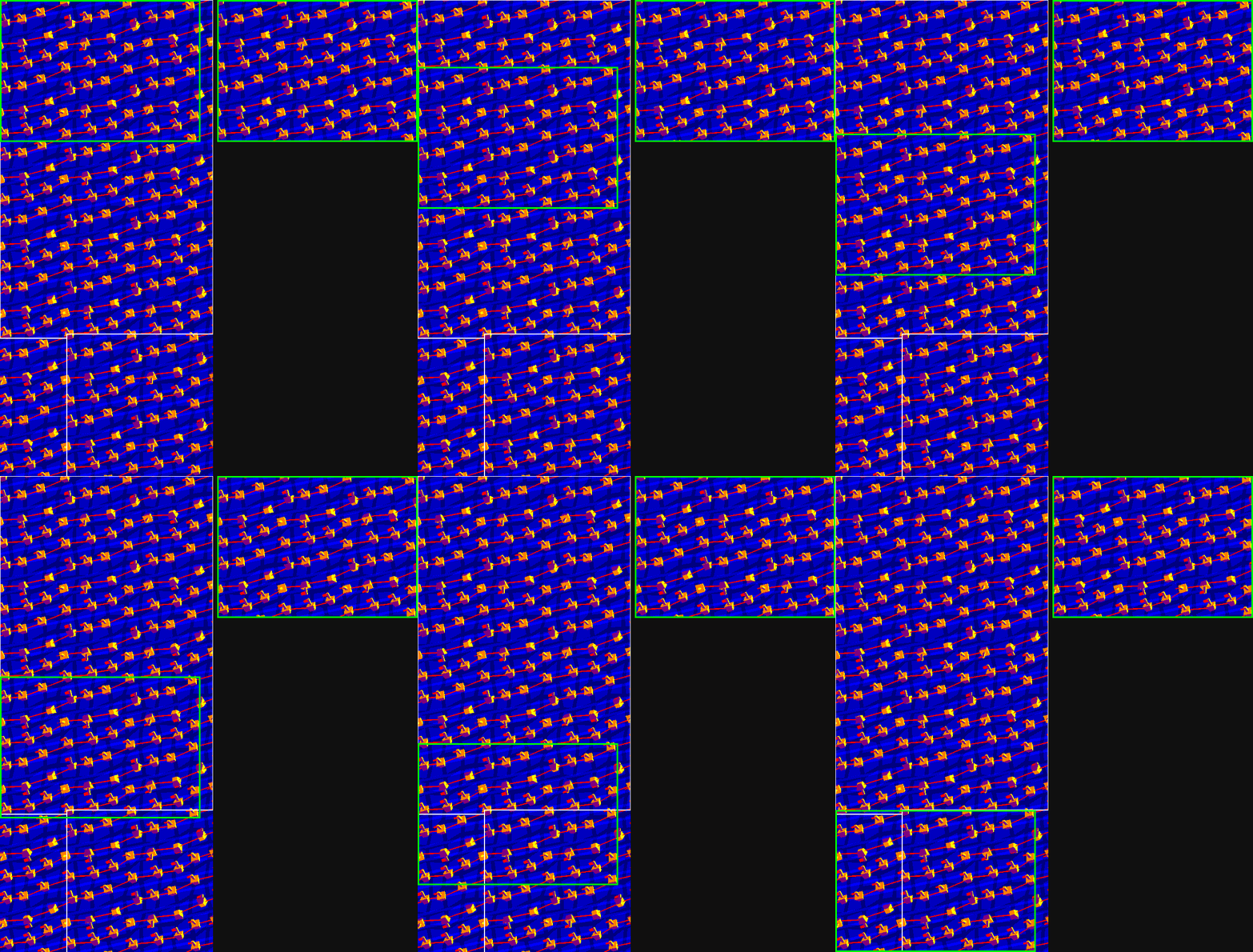
“Doyousea” [2014 | release 2017 in “Logon’s run - 3D meets the aging bits”]
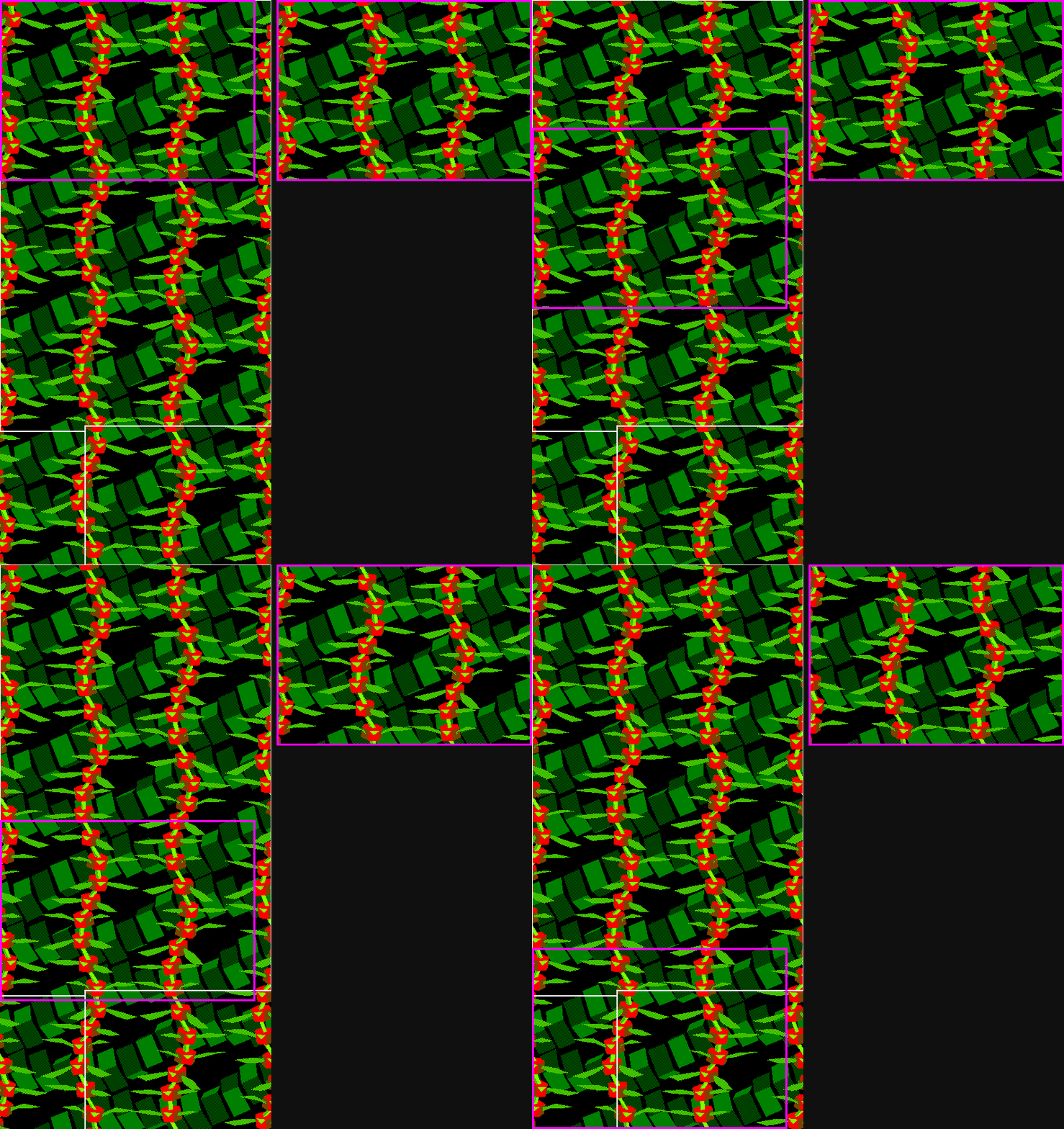
“Dragonfly” [2014 | release 2017 in “Logon’s run - 3D meets the aging bits”]
Impressive FX at screen. But… it takes ages to draw so much 3D-objects on several layers within 64KB VRAM! Basic idea at that time was: well, let’s have kind of procedural gfx, let’s show partially what is put on screen.
Early preview: rendering directly at screen. Shame!
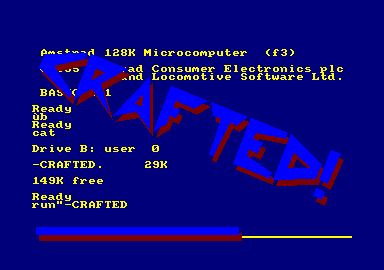
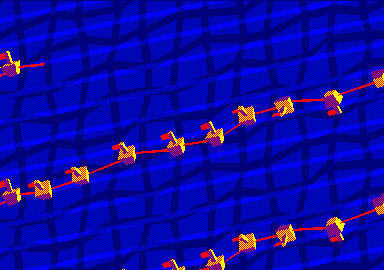
“Crafted” working-title [2014 | previewed at Reset party 2015”]
So I decided to hide the gfx being generated. I did it thru 3 means. First of all: when possible, hide bitplanes to show only 1-color background or FX. Then? back to much more simple animations on 16KB! forget 3D, use sprites only, this would be generated quickly and allow more time on heavy FX. Last but not the least: use background task to generate animation, while showing something else at foreground (such as: procedural gfx of a logo).
HIDDEN “BITPLANE”
Mode 1 = 4 colours = 2 bits required. CPC does not have bit-planes. That said: a wise use of “inks” allows to hide 1 bit out of 2. This allows to render 1-color gfx while another gfx is displayed at screen thru the other bit.
Note: next screenshots (the ones on left) are taken from this DSK:
Medium-size cubes rendering… but not seen
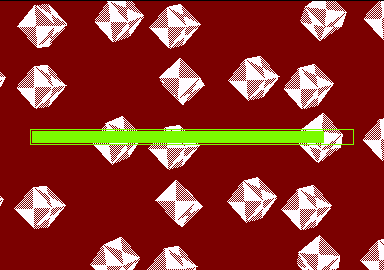
[“Logon’s run - 3D meets the aging bits” - special “hidden work” build]
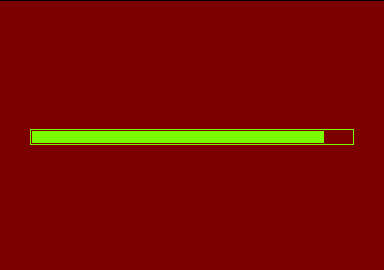
[“Logon’s run - 3D meets the aging bits” - release build]
XL-size cubes rendering… but not seen
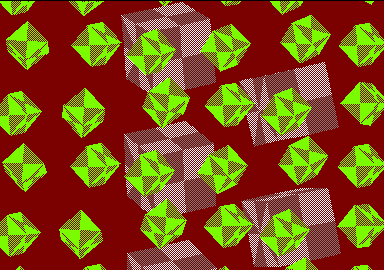
[“Logon’s run - 3D meets the aging bits” - special “hidden work” build]
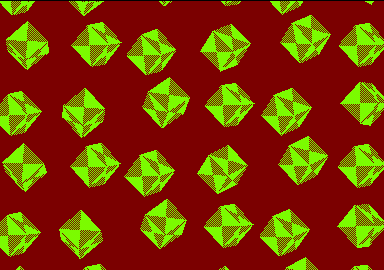
[“Logon’s run - 3D meets the aging bits” - release build]
“Doyousea” background (grey - bottom) rendering… but not seen
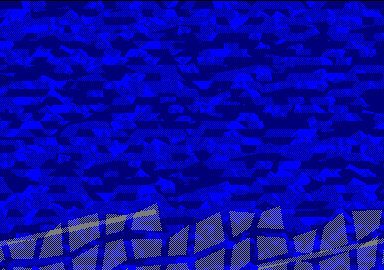
[“Logon’s run - 3D meets the aging bits” - special “hidden work” build]
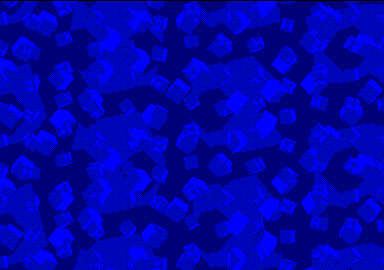
[“Logon’s run - 3D meets the aging bits” - release build]
16KB ANIMATION
16KB VRAM | fx with sprites only | during “Dragonfly” rendering 1/2
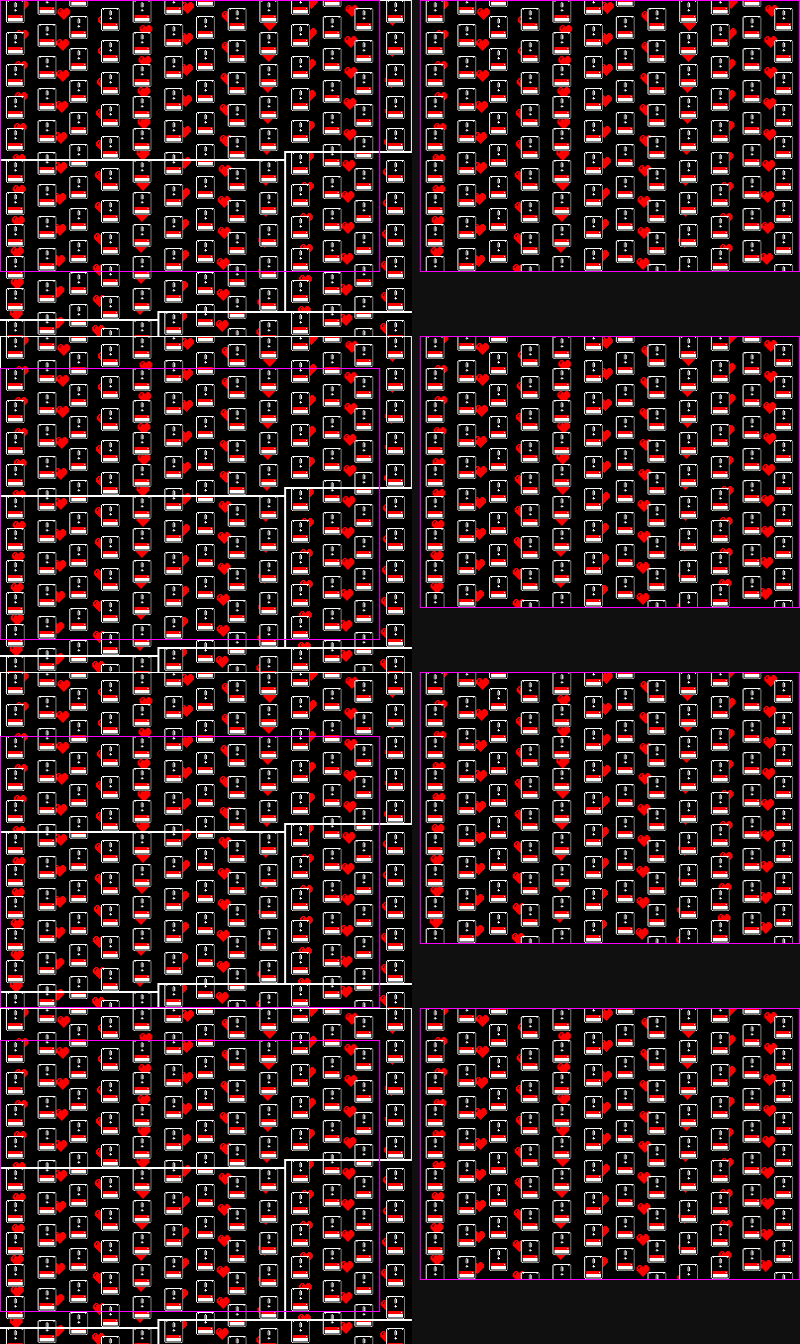
16KB VRAM | fx with sprites only | during “Dragonfly” rendering 2/2
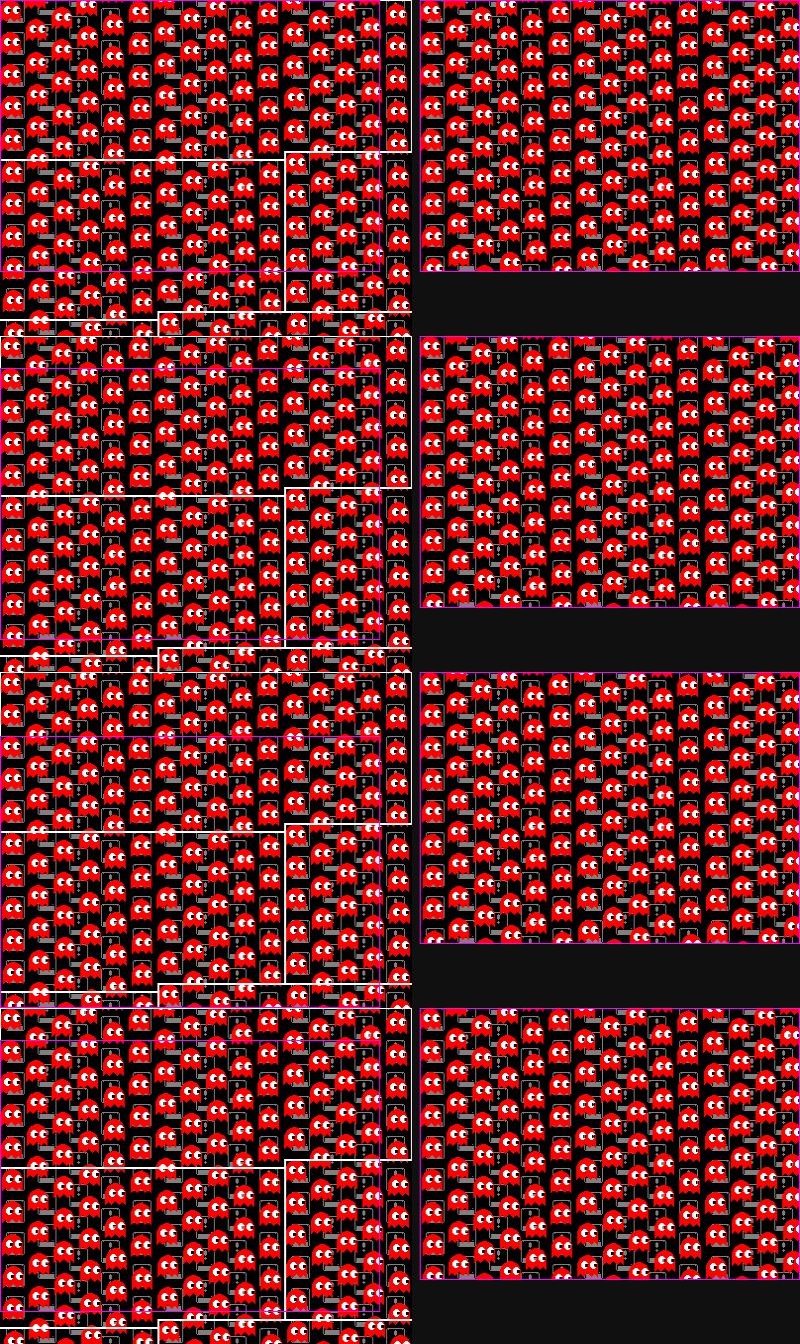
Same background for 3 animations | 1) tile’s height = 2 characters
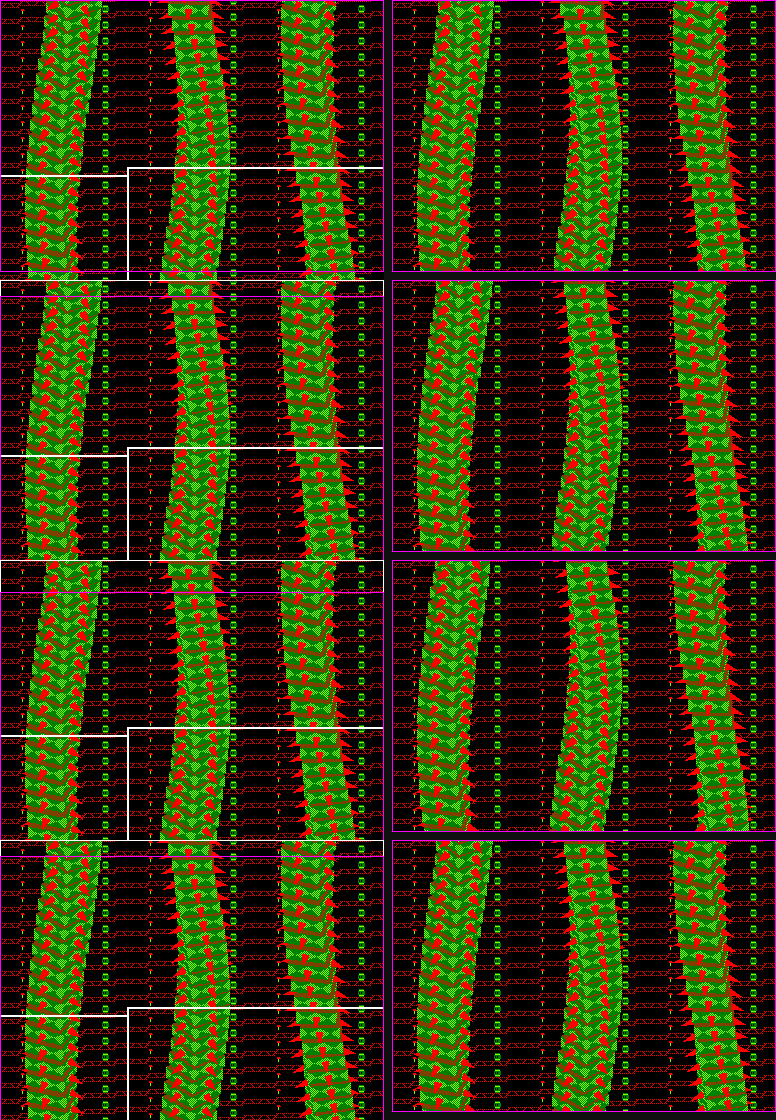
Same background for 3 animations | 2) tile’s height = 4 characters - scrolling 2*4 characters
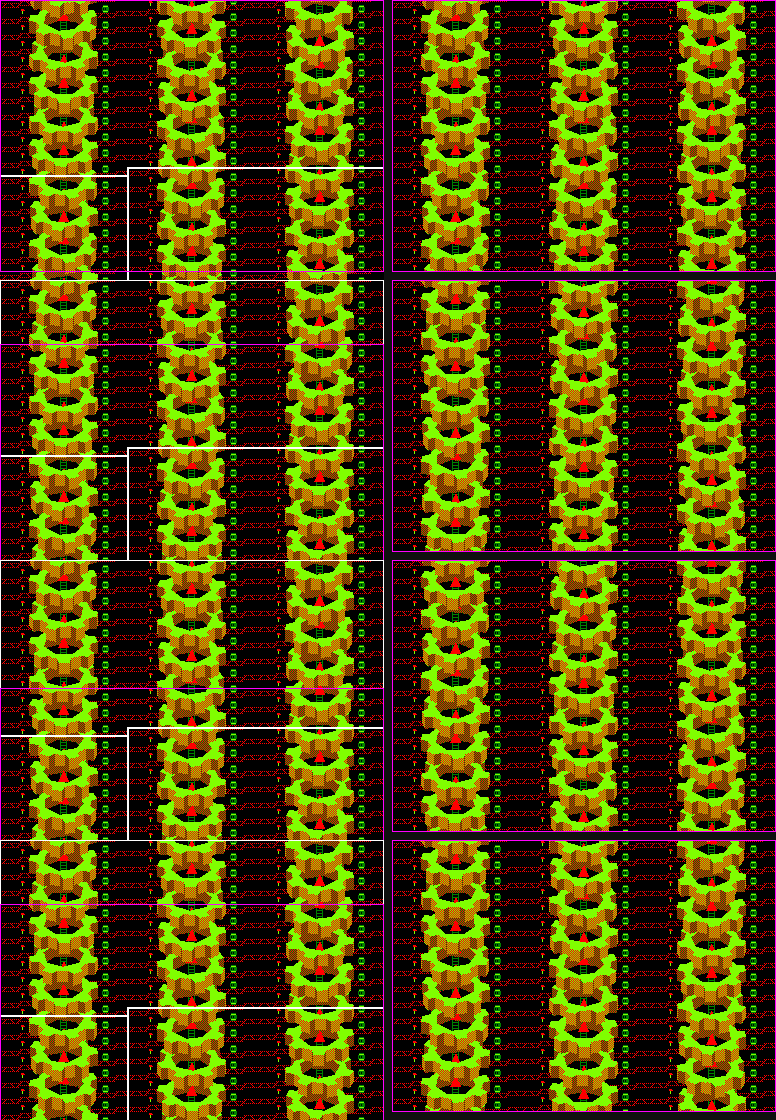
Same background for 3 animations | 3) tile’s height = 6 characters
BACKGROUND TASK
Displaying “something” while data (mainly 64KB/16KB VRAM) is generated.
Rendering “Doyousea” as background task, while foreground display is: procedural gfx of “Logon System” logo
[“Logon’s run - 3D meets the aging bits” - special “hidden work” build]
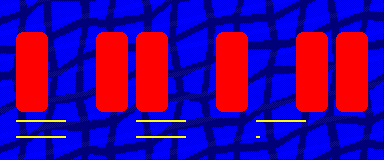
[“Logon’s run - 3D meets the aging bits” - release build]
Rendering “Dragonfly” as background task, while foreground display is: ghost sprites
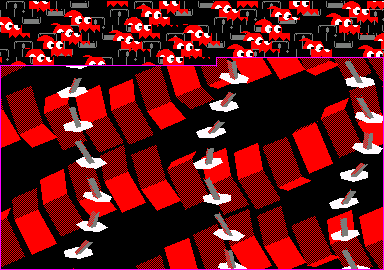
[“Logon’s run - 3D meets the aging bits” - special “hidden work” build]
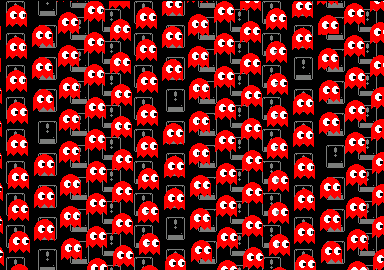
[“Logon’s run - 3D meets the aging bits” - release build]
Rendering “Gears” as background task, while foreground display is: “Dragonfly” then “Donkey Kong” platforms
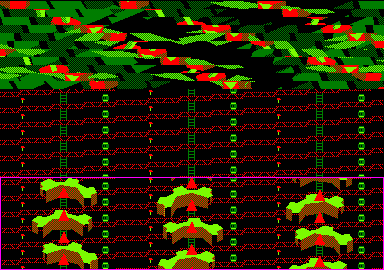
[“Logon’s run - 3D meets the aging bits” - special “hidden work” build]
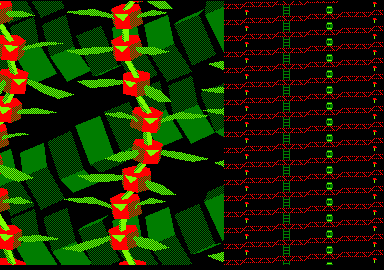
[“Logon’s run - 3D meets the aging bits” - release build]
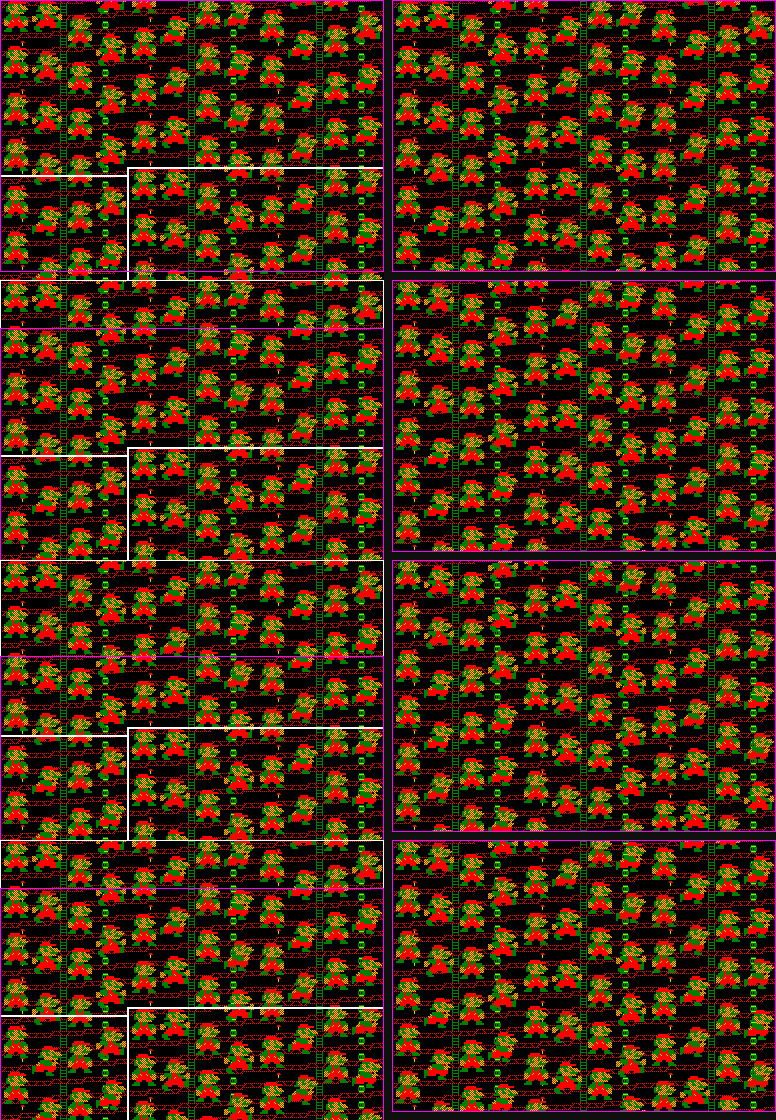
Rendering “Rubberbar” as background task, while foreground display is: “Mario”
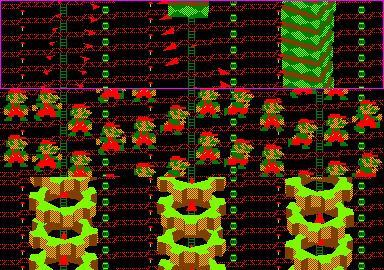
[“Logon’s run - 3D meets the aging bits” - special “hidden work” build]
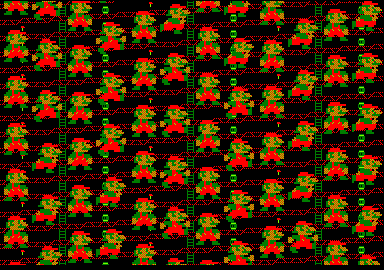
[“Logon’s run - 3D meets the aging bits” - release build]
Generating 64KB “Gameboy” data as background task, while foreground display is: “Rubberbar”
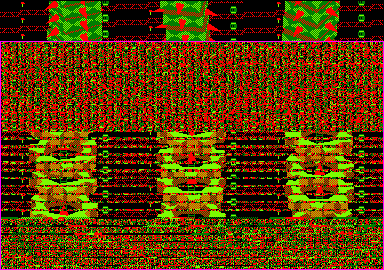
[“Logon’s run - 3D meets the aging bits” - special “hidden work” build]
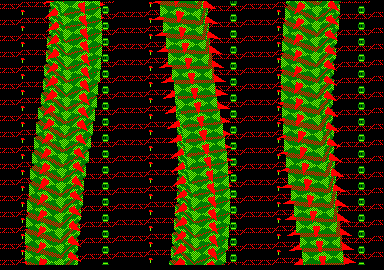
[“Logon’s run - 3D meets the aging bits” - release build]
BONUS: SPLITRASTERS!
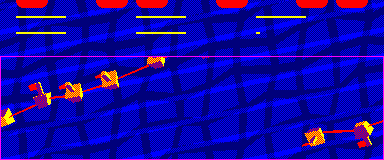
Changing the pointer to VRAM: definitely does not cost much cpu! So? enough time to add some “split-rasters” (i.e. changing a single “ink” up to 12 times on a single scanline).
The easy way: a big chunky sprite - or later: some text
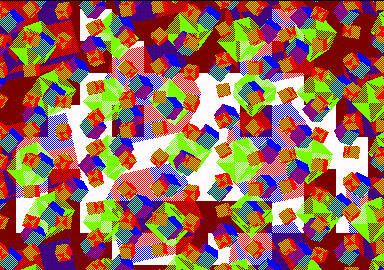
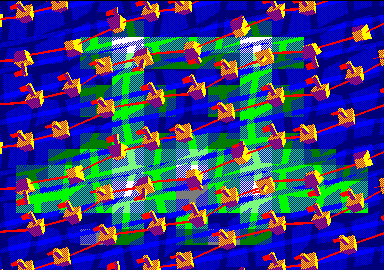
The unusual way: to hide cubes at bottom and make them fall from the top
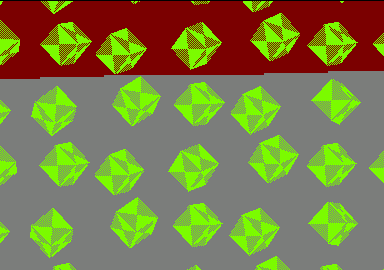
[“Logon’s run - 3D meets the aging bits” - special “hidden work” build]
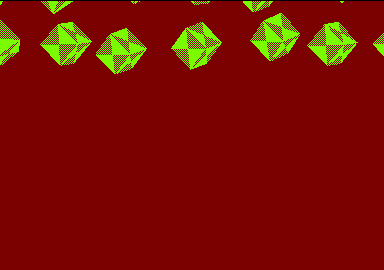
[“Logon’s run - 3D meets the aging bits” - release build]
The hard way: to apply many colors on a single-color 3D-shape
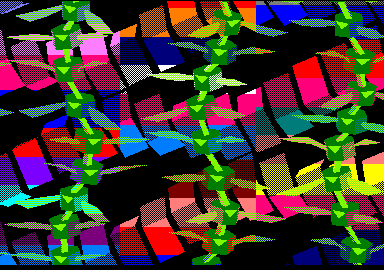
[“Logon’s run - 3D meets the aging bits” - special “hidden work” build]
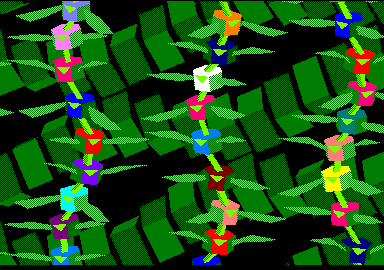
[“Logon’s run - 3D meets the aging bits” - release build]
…BUT WHAT’S GOING ON WITH THE GAMEBOY?
The Gameboy scene is a different story. It is also not done thru hardware-scroll and does not fit here as an Elder’s scroller. That said, this article looks like a making-of, doesn’t it? Might be the right place for more text and less animated GIFs.
Batman killed me. The Gameboy scene gets its inspiration from that killer Batlogo. It uses same root algorithm. Obvious: the animation is packed. For each packed frame, stored data is: from scanline #n to scanline #(n+1), which bytes must be changed. Saying it differently: delta-packing considering the screen uses only one repeated single scanline which is updated following the beam. Starting from this, the Gameboy scene introduces some other features.
Two scanlines are repeated. Glitch might occur if there are too many bytes to update on a single scanline. If byte is updated too late, i.e. once the beam passed that byte: the byte is displayed in its previous state. To avoid this: not using a single scanline but two. Even scanline is updated when displaying odd scanline; and vice-versa.

On left: two repeated scanlines are updated during the frame each time by very few bytes at right
Dithering. Since two scanlines are used, adding some dithering was an easy job.
of updated bytes for one scanline. In that Gameboy animation: up to 14 bytes are updated on a single scanline. Required cpu-time is 14*6 = 84μs. Which is more than 64μs = the scanline width as seen by the beam. This would lead to some glitches (see point a) with a single-scanline framework. This does not matter for double-scanline framework. +20μs more are required for a given scanline? no worry: next scanlines with fewer bytes will allow to compensate this delay.
Background. Some squares are displayed in the background. This is achieved by rasters (i.e. changing color) applied on (3) columns.
of colors. 7 are displayed instead of 4. See previous point for changing colors on the background. There’s also another color change (not always at same y) on the Gameboy itself: screen and buttons share same ink.
Squares as backgound and more colors thanks to ink-change following the beam.
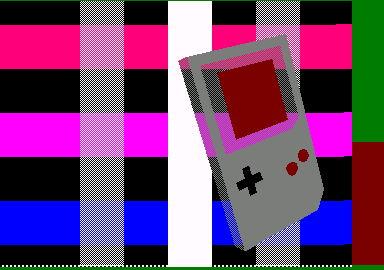
[“Logon’s run - 3D meets the aging bits” - special “hidden work” build]
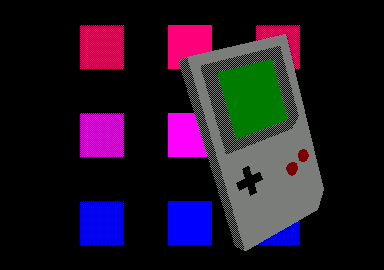
[“Logon’s run - 3D meets the aging bits” - release build]
Scrolling down on y-axis. This requires the depacking routine to be stopped before data for current frame ends.
Scrolling up on y-axis. This requires some pre-depacking routine to run before the main-loop-following-the-beam.
No blank screen before/after. The fx switches from/to a standard-screen-framework where the Gameboy has been pre-rendered using same data than the fx.
No data loading. But: 25 seconds background task to render and pack 64KB data.
Background/foreground. Square-colums seem to go in front of the rotating object. This is achieved by modifying the data previously generated.
FINAL SCENE
Easy scene which did not cost much time to code.
At each frame, changing only the very few bytes who changed: deleting on top of hearts, putting pixels at bottom).
Then using a reverse-mask table: when putting pixels from hearts, background pixels have priority.
For each heart scrolling: delete 7 bytes, put 7 new red bytes.
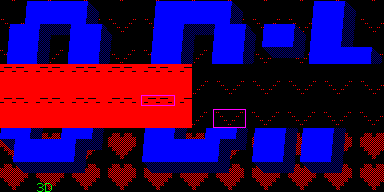
[“Logon’s run - 3D meets the aging bits” - special “hidden work” build]
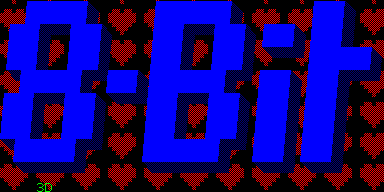
[“Logon’s run - 3D meets the aging bits” - release build]